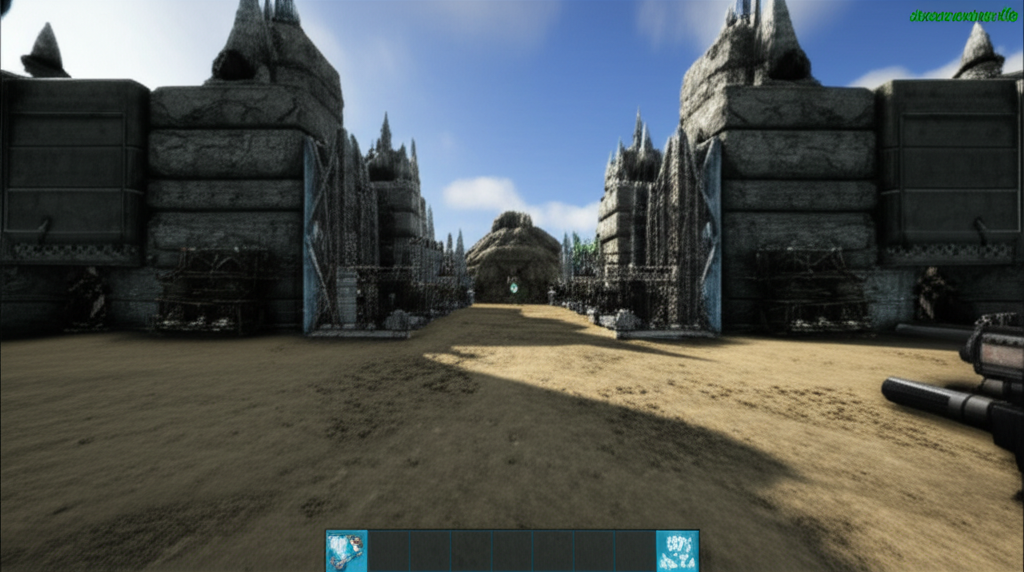
Mastering Ark Survival Evolved: Building Your Ultimate Base with Commands
Ark Survival Evolved is renowned for its challenging survival mechanics and intricate base-building system. While organic progression is rewarding, sometimes players want to expedite the process of establishing a formidable stronghold. For those who own a server or have admin privileges, leveraging console commands can transform your base-building efforts. This guide will walk you through how to construct a complete base using just commands, saving you countless hours and resources.
Why Use Commands for Base Building?
Utilizing admin commands in Ark Survival Evolved offers several advantages:
- Speed: Instantly spawn structures and materials, bypassing the grind of resource gathering and crafting.
- Efficiency: Precisely place structures without the limitations of snapping mechanics or terrain obstructions.
- Experimentation: Test different base designs and layouts quickly without significant investment.
- Creativity: Build elaborate and unique structures that might be difficult or impossible through normal gameplay.
Essential Commands for Base Construction
To begin, you'll need to enable the admin console. Typically, this is done by pressing the 'Tab' key on your keyboard. Once the console is open, you can start inputting commands. Remember, many commands require specific item IDs and counts. For a comprehensive list of item IDs, you can refer to Ark's official wiki or community resources.
Spawning Structural Components
The primary command for spawning items is `GiveItemNum`. Here’s how you can use it to build a basic foundation:
- Foundations: To spawn a standard Stone Foundation, you'd use a command similar to: `GiveItemNum 7 1 0 0`. You’ll need to know the specific item ID for each structure type (e.g., Wood, Metal, Tek) and their various pieces (walls, ceilings, doors, gates, pillars).
- Walls and Ceilings: Similarly, use `GiveItemNum` with the appropriate item IDs for walls, ceilings, and sloped roofs. For instance, `GiveItemNum 27 1 0 0` for a Stone Wall.
- Doors and Windows: Don't forget access points. Spawn in Stone Doorways and Windows using their respective item IDs.
Creating Defensive Structures
A strong base requires robust defenses:
- Turrets: Auto Turrets are crucial. Use `GiveItemNum` with the Auto Turret item ID. You’ll also need to spawn in ammunition to power them: `GiveItemNum 174 1000 0 0` for Advanced Rifle Ammunition.
- Pillars and Behemoth Gates: For larger structures and entrances, spawn in Pillars and Behemoth Gates.
Advanced Building Techniques with Commands
Beyond basic structures, commands can help with more complex designs:
- Multiple Item Spawning: You can spawn multiple items at once by changing the quantity parameter in `GiveItemNum`. For example, `GiveItemNum 7 50 0 0` would give you 50 Stone Foundations.
- Targeted Spawning: Commands like `GMSummon` allow you to spawn creatures, which can be useful for defending your base or for aesthetic purposes, but this is for advanced users.
Building a complete base from scratch using commands in Ark Survival Evolved is an efficient way to establish your presence and protect your hard-earned resources. Experiment with different structures and item IDs to create the ultimate survivor's sanctuary.